
Create a module
High-level configuration occurs in the Canvas. The main fiscal features should be assembled prior to editing the detailed logic of individual modules.
To add a new module to a regime:
- Select the calculation phase for the new module by clicking it. If necessary, add a new calculation phase (see Calculation Phases).
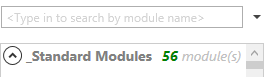
- If a similar module already exists in another regime, you can search for it using the search bar in the Modules pane, select it and drag it onto the canvas.
- If no similar module exists, click the New Module button on the ribbon and add a new module using the dialog, and move it to the desired location on the canvas.
- To edit a module's settings and logic, click the icon at its top left. You can also use the Edit Module
 button on the ribbon.
For more information, see Editor tab.
button on the ribbon.
For more information, see Editor tab.
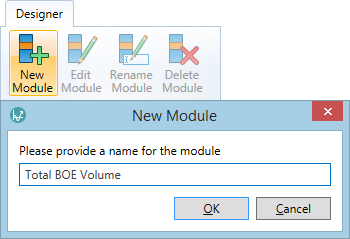
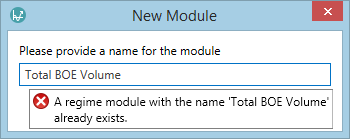
Modules should be named descriptively. Each module name must be unique, otherwise an error message will be displayed.

The module's terms should also be configured. For instructions on how to do this, see Terms tab.